What is Create Definitive Screening Design?
Create Definitive Screening Design (DSD) generates an experimental plan that screens a large number of continuous factors efficiently while simultaneously detecting curvature and some two-factor interactions. This makes it far more informative than classical screening designs, which can only estimate straight-line effects.
Simple Definitions: A compact, smart experimental design that screens many factors at once and can detect both straight-line and curved effects giving more information from fewer experiments than traditional screening methods.
When to use Create Definitive Screening Design?
- Use when you have 6 or more continuous factors to screen and want to identify the most important ones efficiently.
- Use when you suspect curvature or non-linear relationships may exist but are not sure which factors cause it.
- Use when time or budget restricts the number of runs available and a follow-up experiment is undesirable.
Guidelines for correct usage of Create Definitive Screening Design
- All factors must be continuous DSD does not support categorical factors.
- Set each factor to three equally spaced levels low, centre, and high.
- Include centre point runs to improve estimation of quadratic effects and provide an error estimate.
- Always randomise the run order to protect against time-based effects biasing results.
Alternatives: When not to use Create Definitive Screening Design
- If you have categorical factors, use Factorial DoE
- If you have fewer than 6 factors, a Full or Fractional Factorial Design is more appropriate.
- If the goal is full optimisation rather than screening, use Response Surface Methodology (RSM)
- If ingredients or proportions are involved, use Mixture DoE
Example of Create Definitive Screening Design
- Gathered the necessary data.
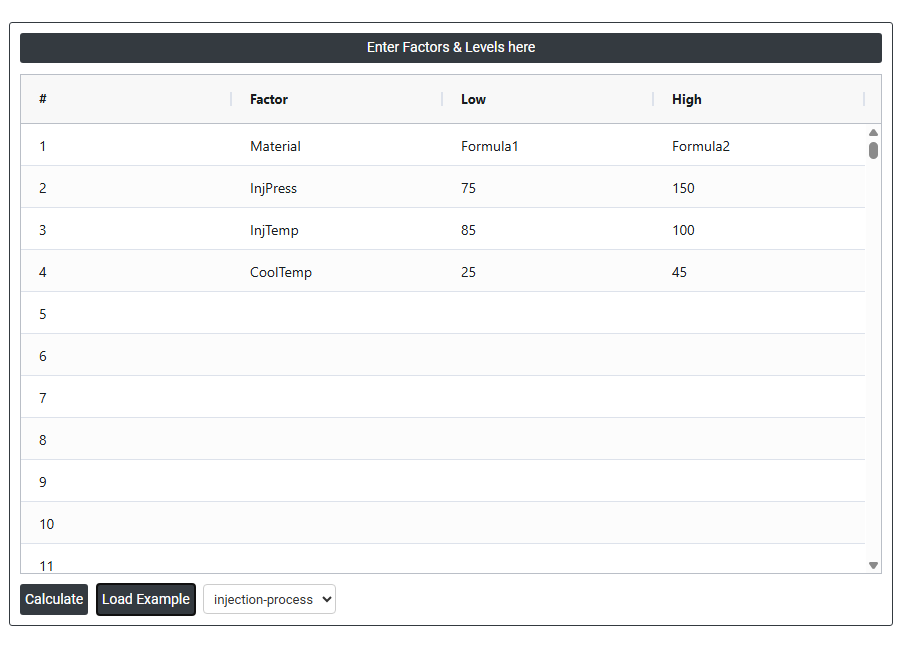
- Now analyses the data with the help of https://qtools.zometric.com/ or https://intelliqs.zometric.com/.
- To find Create Definitive Screening Design choose https://intelliqs.zometric.com/> Statistical module> DOE> Create Definitive Screening Design.
- After using the above mentioned tool, fetches the output as follows:
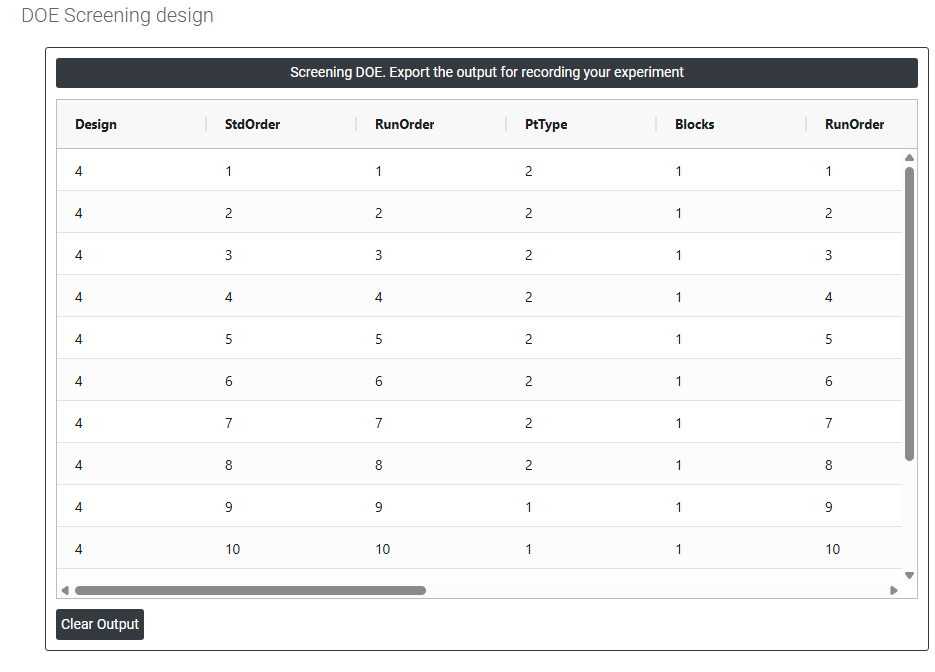
How to do Create Definitive Screening Design
The guide is as follows:
- Login in to QTools account with the help of https://qtools.zometric.com/ or https://intelliqs.zometric.com/
- On the home page, choose Statistical Tool> DOE>Create Definitive Screening Design.
- Next, update the data manually or can completely copy (Ctrl+C) the data from excel sheet and paste (Ctrl+V) it here.
- Finally, click on calculate at the bottom of the page and you will get desired results.
On the dashboard of Create Definitive Screening Design, the window is separated into two parts.
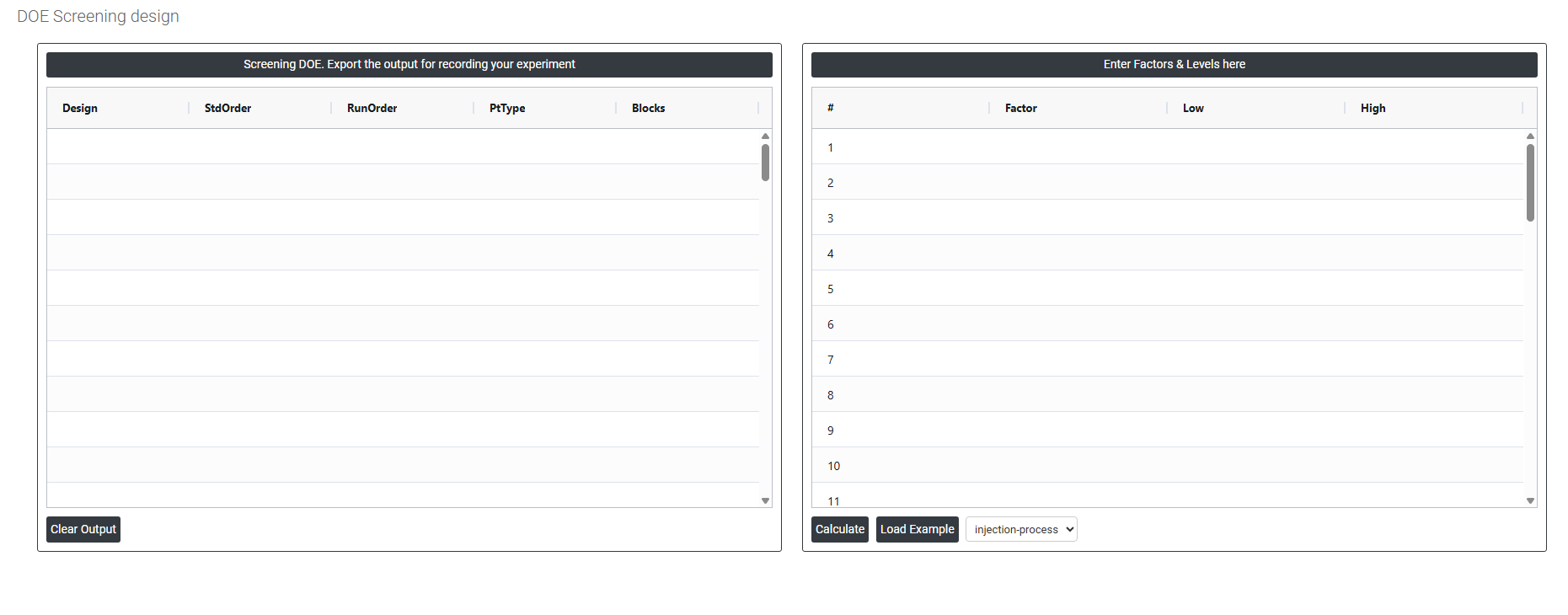
On the right part, Enter Factors & Levels here. Load the example or copy paste the data from excel. Data can be fed manually or the one can completely copy (Ctrl+C) the data from excel sheet and paste (Ctrl+V) it here.
Load example: Sample data will be loaded.
On the left part, Screening DOE Export the output for recording your experiment while clicking on the calculate it geneerate the screening design